This is an old revision of the document!
Desktop Item Editor
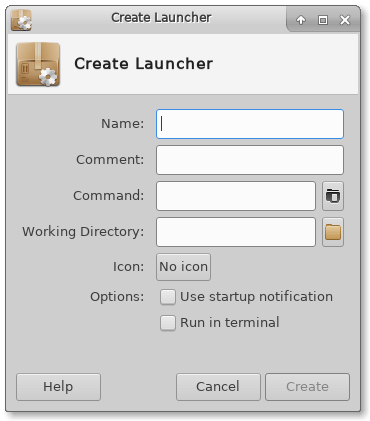
exo-desktop-item-edit allows a user to easily create and modify application launchers, or .desktop files in a GUI. To create a new launcher, in a terminal type:
exo-desktop-item-edit --create-new [DIRECTORY]
To create a launcher on the desktop, right-click an empty space on the desktop and select Create Launcher.
| Create Launcher window |
|---|
 |
Editing Launchers
To edit existing launchers on the desktop, right-click the launcher you wish to edit and select Edit Launcher from the menu.
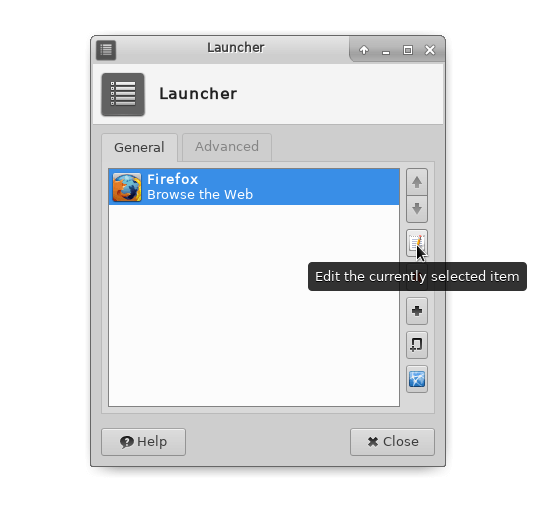
If the launcher is on a panel, right click the desired launcher and select Properties, then in the Launcher window that appears, select the Edit the currently selected item in the General tab.
| Edit launcher on panel |
|---|
 |