This is an old revision of the document!
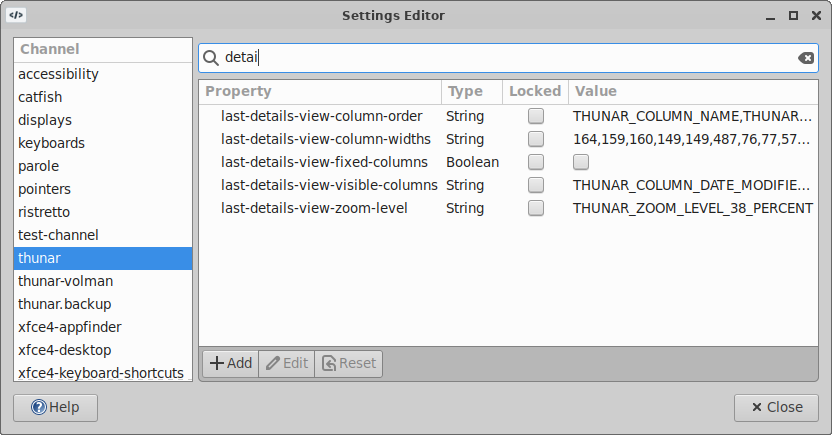
Settings Editor
The page is work in progress!
| Settings Editor |
|---|
|
Modifying or Creating Properties
| Create New Property |
|---|
|
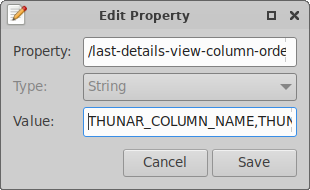
When you activate a property in the tree-view or click the Edit button, the dialog above will appear, but with the Property and Type widgets insensitive. You can enter a new value in the text-field, spinner or toggle button (depending on the property type).
To create a new property, click the New button. The same dialog will popup with an initial property value (the parent of the currently selected property, for your convenience). Then select a Type and set a Value.
The property is not stored until you click the Save-button.
Monitoring Channel Changes
| Monitor Channel |
|---|

|