This is an old revision of the document!
Notification Area
The Notification Area panel plugin allows you to display tray icons from various applications within the panel.
Preferences
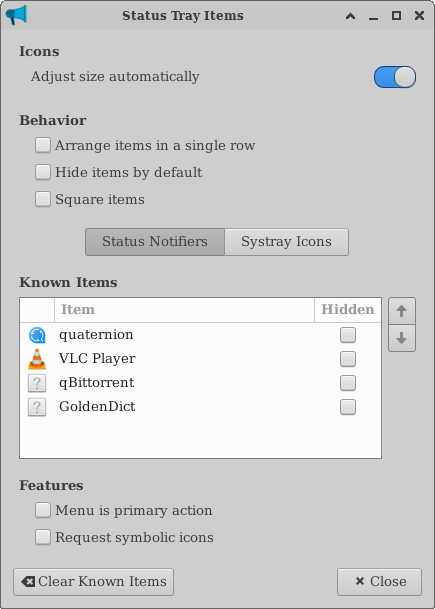
| Notification Area Preferences |
|---|
 |
Appearance
? Maximum icon size (px) ! The maximum size for icons in the Notification Area. ? Square icons ! Adds padding to either side of each icon to make them square ? Show Frame ! Only available when Square icons are disabled. Displays a border around the Notification Area.
Known Applications
The Known Applications section displays a list of all applications which have appeared in the Notification Area. You can hide applications by checking the boxes within the Hidden column. Hidden items are displayed in a list accessible by clicking the arrow button that appears beside the icons.
? Move up / Move down ! Moves the currently selected item up or down in the list. ? Clear Known Applications ! Clears the list of applications from the Known Applications list.